🔒 Independent Reviews • No Affiliate Bias • 500+ Software Tested

Stop Wasting Money on Software That Disappoints

Most software reviews are paid promotions disguised as advice. We're different: we purchase, test, and break software under real-world conditions—then tell you exactly what works, what fails, and what's worth your money. No sponsorships. No commissions. Just honest evaluation from professionals who've tested over 500 tools across 50+ categories.

40+ hours minimum testing per review
Real purchases we buy the software we test
Updated weekly tracking software changes
500+
In-Depth Software Reviews
50+
Specialized Categories
100K+
Professionals Empowered

Why Software Selection Matters More Than Ever

The wrong software choice costs businesses an average of $3.7M annually in lost productivity, failed implementations, and switching costs

🔬

Rigorous Testing Protocol

Every software undergoes our 7-phase evaluation: initial assessment, stress testing under real workloads, API integration verification, security audit, performance benchmarking against alternatives, long-term stability monitoring, and final cost-benefit analysis across different use cases.

📊

Data-Driven Comparisons

We don't rely on vendor claims. Our team measures actual load times, tracks feature completeness across 50+ criteria, documents breaking points through stress tests, and calculates true TCO including hidden costs like training, integrations, and scaling limitations.

🎯

Industry-Specific Insights

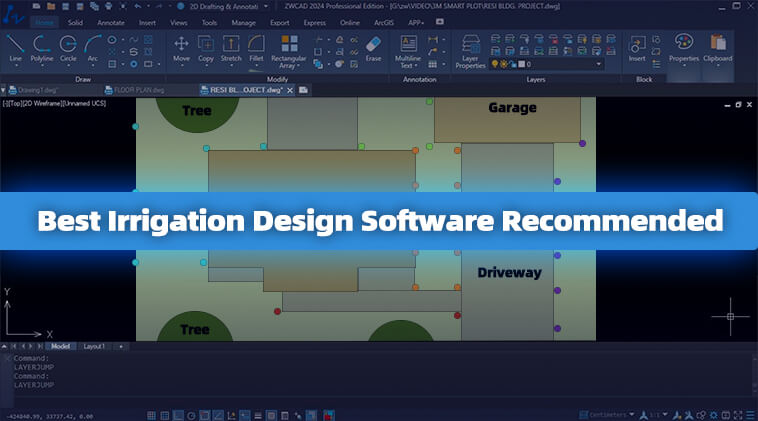
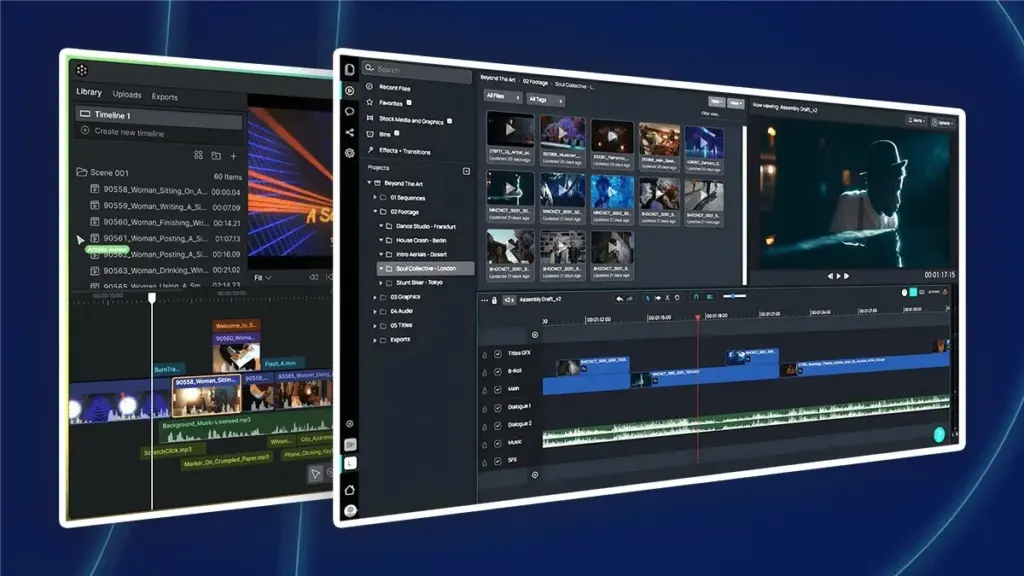
Generic reviews miss critical nuances. We evaluate CAD software on mesh complexity handling, tax software on multi-state compliance accuracy, video editors on 4K rendering speed, and VM platforms on resource overhead—the metrics that actually impact your workflow.

⚖️

Independent & Unbiased

Zero affiliate pressures influence our rankings. When Vendor A pays competitors but offers inferior compression algorithms, we'll recommend Vendor B. Our revenue model keeps evaluations objective—your success is our only incentive.

🔄

Continuously Updated

Software evolves rapidly. We re-test major releases within 48 hours, track performance degradation over version updates, monitor community sentiment across developer forums, and flag when former top picks develop deal-breaking issues like abandoned Linux support.

đź’ˇ

Real-World Context

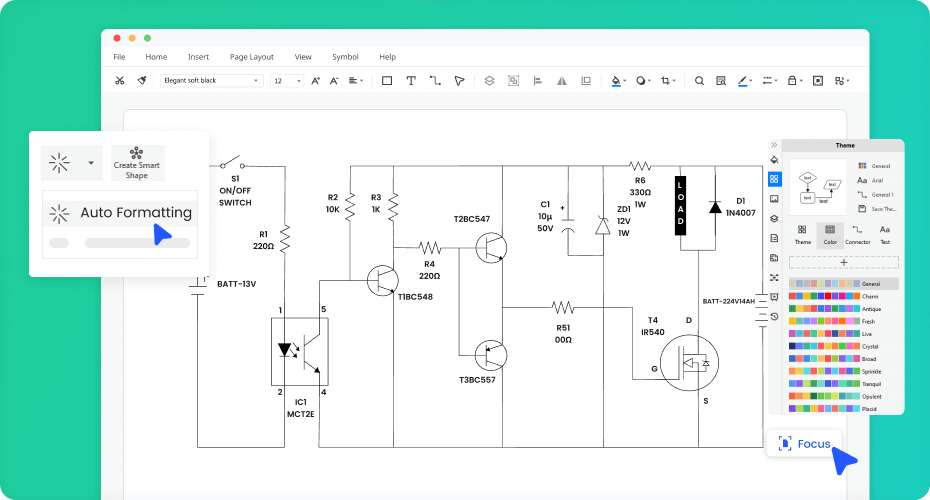
Specifications mean nothing without application. We document which schematic tools handle 10,000-component PCBs without lag, which Bible software supports Hebrew parsing for sermon prep, which VM solutions maintain <5% overhead on decade-old hardware—the details that matter when you're working.

Software Selection By Use Case: What Actually Matters

Feature lists don't reveal how software performs in your specific workflow. Here's what we've learned testing across industries.

For Engineering & CAD Users

Technical

The difference between hobbyist CAD and professional-grade isn't obvious until you hit production deadlines.

Parametric modeling depth: Can it handle 500+ constraints without solver failures? We test with industrial assemblies, not simple brackets.
File format compatibility: STEP export is standard, but does it preserve PMI data? Surface normals? Assembly structure? The devil lives in translation accuracy.
Computational geometry performance: Boolean operations on complex meshes separate tools quickly. A 5-minute vs. 45-second render time compounds over projects.

Reality: The $0 tool often outperforms $5,000/seat software for specific workflows. We identify where free alternatives genuinely compete and where they fall short.

For Content Creators & Editors

Creative

Render times and codec support make or break creative workflows under deadline pressure.

GPU acceleration effectiveness: Not all "CUDA support" performs equally. We measure actual frame processing rates across NVIDIA/AMD/Apple Silicon.
Proxy workflow efficiency: Can you edit 4K smoothly on a laptop? How's the proxy generation speed and quality preservation on final export?
Color pipeline accuracy: Rec. 709 vs. Rec. 2020 handling, LUT application, HDR tone mapping—small differences create massive post-production headaches.

Reality: That free editor might handle your YouTube workflow perfectly but falls apart at broadcast specs. Conversely, "industry standard" doesn't always justify 10x the price.

For Small Business Operations

Business

Scalability isn't just technical—it's operational complexity as your team grows.

User permission granularity: Can Bob access invoices but not payroll? Simple question, surprisingly rare answer. We test actual RBAC implementation.
Migration from spreadsheets: How painful is the transition? Does it import your messy Excel files or demand perfect data? We track actual onboarding friction.
Automation without IT: Can your office manager set up workflows or do you need a developer? The "low-code" claims vary wildly in reality.

Reality: Software marketed to enterprises often over-complicates simple needs. We help identify when to pay for features versus when simpler tools serve you better.

For Developers & Technical Teams

Development

Developer tools should accelerate work, not become projects themselves to maintain.

IDE performance at scale: Great with 50 files, unusable with 5,000. We test with real codebases, measuring indexing times and memory footprints.
Extension ecosystem stability: That perfect plugin breaks with every update, or is it maintained? We track extension longevity and vendor support patterns.
Remote development ergonomics: SSH latency handling, file sync reliability, debugging over network connections—critical for distributed teams, barely tested by vendors.

Reality: The "lightweight" editor often uses more RAM than the "bloated" IDE through extensions. We measure actual resource usage in configured states, not fresh installs.

The Hidden Costs Most Software Buyers Miss

Before comparing features, understand these critical factors that determine whether software succeeds or fails in production environments

What Breaks Most Software Implementations

After analyzing 500+ deployments across enterprise and SMB environments, we've identified the failure patterns that cost companies millions. These aren't in the sales deck.

The 72-Hour Support Response Trap

When your CAD software crashes mid-project, "business hours support" means 3 days of downtime. We measure actual response times across timezone scenarios—not what's promised in SLAs. The $49/month tool with 4-hour Slack support often outperforms the $299/month "enterprise" option with ticket-only access routed through offshore teams working 9-5 GMT.

Migration Lock-In Nobody Talks About

Export functions that claim to preserve formatting but strip metadata. Proprietary file formats that "integrate with everything" through lossy conversions. We test actual data portability by importing/exporting complex projects between competitors. How many vendors make it genuinely easy to leave? Fewer than you'd think—and that information shapes our recommendations significantly.

The Performance Cliff

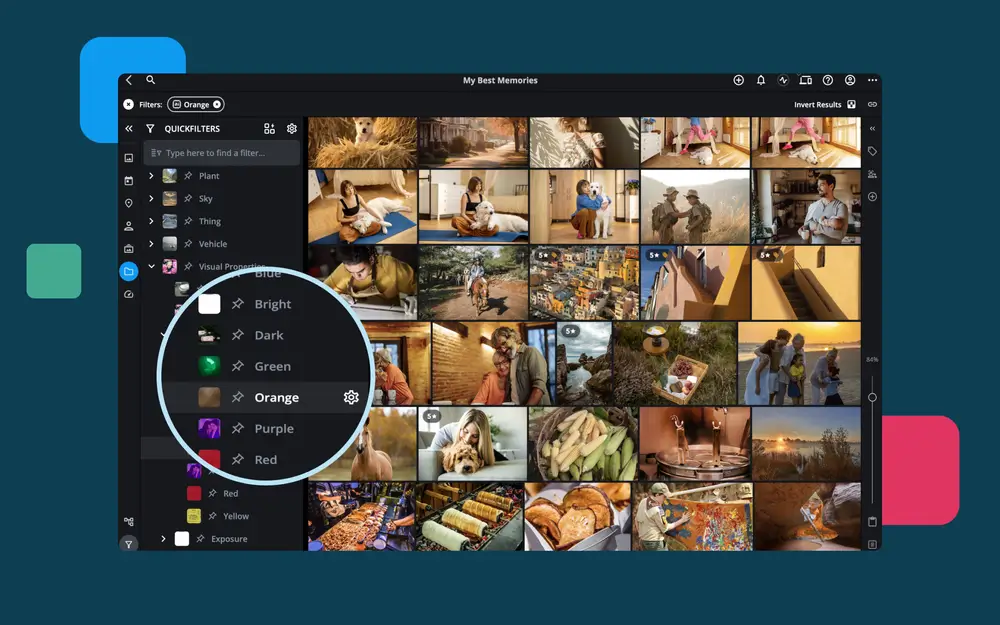
Software benchmarks test with sample data. Real work involves 10GB project files, thousands of layers, or datasets that grow 300% annually. We identify the exact point where "fast" becomes "unusable"—like the photo organizer that handles 5,000 images beautifully but freezes for 90 seconds per operation at 50,000. These thresholds matter more than feature lists.

Version Update Russian Roulette

That essential plugin that stops working when auto-updates hit. UI redesigns that bury critical functions six menus deep. Breaking API changes that invalidate your custom integrations. We track update stability patterns: how often do major releases introduce workflow-breaking changes versus incremental improvements? Some vendors ship carefully; others treat users as beta testers.

The Collaboration Reality Check

"Real-time collaboration" often means conflicting edits and lost work. We test with distributed teams across continents, measuring sync conflicts, merge failures, and the actual usability of version control. The difference between software that enables remote teams versus software that technically supports multiple users is massive—and rarely evident in feature comparisons.

Resource Overhead in the Real World

Electron apps consuming 4GB RAM to display text. Background processes that spike CPU every 30 seconds. Battery drain that cuts laptop runtime in half. We profile actual resource usage during typical workflows, not idle states. When you're running multiple tools simultaneously, these "minor" inefficiencies compound into system-wide slowdowns that kill productivity.

Before You Subscribe: The 15-Minute Validation Test

Run these checks during any free trial. If the vendor makes any difficult, reconsider:

  • Import your largest real file — not sample data. Does it choke?
  • Export to 3 different formats — verify data integrity post-conversion.
  • Submit a support ticket at 4 PM Friday — measure actual response time.
  • Attempt to cancel/export your data — how many hoops exist?
  • Test on 3-year-old hardware — performance degrades significantly on older systems.
  • Break something intentionally — how gracefully does it handle errors?
  • Check offline functionality — what stops working without internet?
  • Monitor background activity — what's running when you're not actively using it?
  • Review the last 6 months of changelogs — pattern of improvements or breaking changes?
  • Search Reddit/HN for "[software name] migration" — what do people say when leaving?

"We switched from Software A to Software B after 18 months because the export process lost 40% of our metadata. The migration cost us $125,000 in developer time. Had we tested actual data portability during the trial, we'd have caught it immediately."

— CTO, 200-person engineering firm

Browse by Expertise Area

Curated collections organized by industry and use case

Five Software Buying Mistakes That Cost You Thousands

Based on interviews with 200+ IT managers, procurement teams, and individual professionals who learned these lessons the expensive way

1

Choosing Based on Feature Count Instead of Feature Fit

The Trap: Software A has 47 features. Software B has 31. Software A wins, right? Wrong. This is how companies end up paying $12,000/year for capabilities they'll never use while missing the three features that actually matter for their workflow.

Real Example:

A mechanical engineering firm chose CAD Software X because it offered "advanced surfacing tools, generative design, and simulation packages." They needed none of these. What they actually needed was robust sheet metal tools and DWG compatibility. Software Y, at 40% the price, excelled at both. They wasted 8 months and $15K before switching.

What to Do Instead:

List your top 10 actual use cases—not aspirational ones. Score software based on how well it handles these specific scenarios. A tool that's excellent at your core needs beats one that's mediocre at everything. We test software against real-world task lists, not marketing feature bullets.

2

Ignoring the "Tier 2" Costs Until After Purchase

The Trap: You see "$29/month" and budget accordingly. Then you discover: API access is $200/month extra. SSO requires the Enterprise plan at $99/user. The mobile app needs separate licensing. File storage caps at 5GB (your needs: 500GB = $150/month more). Integration with your existing tools? That's a premium plugin bundle.

Real Example:

A video production company signed up for editing software at $49/month. Within two months, actual costs hit $340/month: team collaboration ($99), cloud rendering ($149), advanced codec support ($29), and additional storage ($14). The "budget-friendly" option became their third-most-expensive software subscription.

What to Do Instead:

Before committing, build a complete cost model: base price + required add-ons + storage overages + API fees + support tiers. Ask vendors directly: "For our use case (be specific), what's the all-in monthly cost?" We calculate true TCO including these hidden expenses in every review.

3

Testing Only the "Happy Path" During Trials

The Trap: During your 14-day trial, you test basic functionality with clean, simple data. Everything works great! Then in production, you encounter edge cases: special characters in filenames, files larger than 100MB, concurrent editing by 8 people, import from your legacy system, timezone handling across offices. Half of these fail.

Real Example:

An accounting firm tested tax software with sample returns. Perfect. First real client: a multi-state LLC with foreign income and AMT calculations. The software couldn't handle it. They discovered—mid tax season—that "supports all scenarios" meant "supports common scenarios." Emergency migration cost them 200 billable hours.

What to Do Instead:

Test with your ugliest, most complex real data. Import your actual files, not samples. Try to break it deliberately. Test the specific edge cases your workflow requires. We maintain libraries of stress-test scenarios for each software category—the weird cases that expose limitations.

4

Assuming "Cloud-Based" Means "Works Offline"

The Trap: Modern software is cloud-based, which is great for collaboration and access. Until you're on a plane, in a basement conference room, at a client site with spotty WiFi, or your ISP has an outage. Suddenly that "always accessible" software is completely unusable because it requires constant internet connection—even to access files you worked on yesterday.

Real Example:

A freelance designer switched to a cloud-only design tool. During a cross-country flight (6 hours of productive work time), they couldn't access any files or make edits. The "offline mode" only cached the last 3 opened files—not the project they needed. Lost an entire day of planned work and missed a client deadline.

What to Do Instead:

During trials, test offline functionality explicitly: disconnect your internet and try to work. What features remain? Can you access files? Make edits? How does sync work when you reconnect? We document offline capabilities thoroughly—it's a critical requirement many vendors obscure.

5

Believing "Industry Standard" Equals "Right for You"

The Trap: "Everyone in our industry uses Software Z, so we should too." This ignores that (a) "everyone" often means "large companies with dedicated IT staff," (b) incumbent software persists through inertia, not merit, and (c) your specific needs might differ significantly from industry norms. "Industry standard" often just means "what people tolerate," not "what works best."

Real Example:

A small architecture firm adopted the "industry standard" CAD platform at $7,000/seat because that's what big firms use. They needed maybe 20% of its capabilities. A $800 alternative handled 100% of their actual projects perfectly. Three years later, having spent $42K on licenses, they finally switched—and wondered why they'd wasted money "doing what everyone else does."

What to Do Instead:

Evaluate based on your specific requirements, team size, and budget—not industry reputation. "Standard" tools often became standard 15 years ago; newer alternatives may serve you better. We assess software for specific use cases and company sizes, not broad industry categories.

Our Review Methodology: Beyond Surface-Level Testing

Every recommendation undergoes minimum 40 hours of hands-on evaluation across these critical dimensions

01

Performance Under Load

We stress-test with datasets 10x typical size—importing 50,000-row spreadsheets, rendering 90-minute 4K timelines, running 100 concurrent VMs. Surface-level demos hide how software behaves when you actually use it at scale. Our tests reveal where tools break.

02

Feature Verification

Marketing claims versus reality. When CAD software advertises "unlimited layers," we build 500-layer schematics to find the actual limit. Tax software promising "all deductions" gets tested against IRS Publication 17's 400+ scenarios. We document gaps vendors hope you won't discover.

03

Integration Testing

Software rarely works alone. We verify API rate limits, test SSO with major providers, import/export across file formats, sync with popular platforms. That "seamless integration" often fails with non-ASCII characters or timezones—problems we catch before you deploy.

04

Learning Curve Analysis

Time-to-productivity matters. We track hours required for basic competency, count clicks for common tasks, measure onboarding friction. The "easiest" tool often has 14-step workflows where alternatives need 3. We quantify what "user-friendly" actually means.

05

Total Cost Reality

Sticker price deceives. We calculate per-user costs at scale, factor mandatory add-ons for basic features, project upgrade cycles, include integration developer hours, account for training expenses. That $10/month tool often costs $47/month when you run the real numbers.

06

Long-Term Viability

We analyze GitHub commit frequency, support response times, bug fix velocity, feature roadmap transparency, community health. Great software today with 6-month response times becomes abandoned software tomorrow. We check vendor stability before recommending.

Stop Wasting Time on Software That Doesn't Deliver

The average professional evaluates 12 tools before choosing one—spending 60+ hours on comparisons, trial installations, and feature testing. We've already done that work for you.

âś“ Skip the trial-and-error phase with pre-vetted recommendations
âś“ Avoid expensive mistakes from feature gaps discovered post-purchase
âś“ Access comparison data vendors don't want you to see
âś“ Get specific recommendations for your exact use case and constraints